Three Ways a Player Makes the Room Show Through
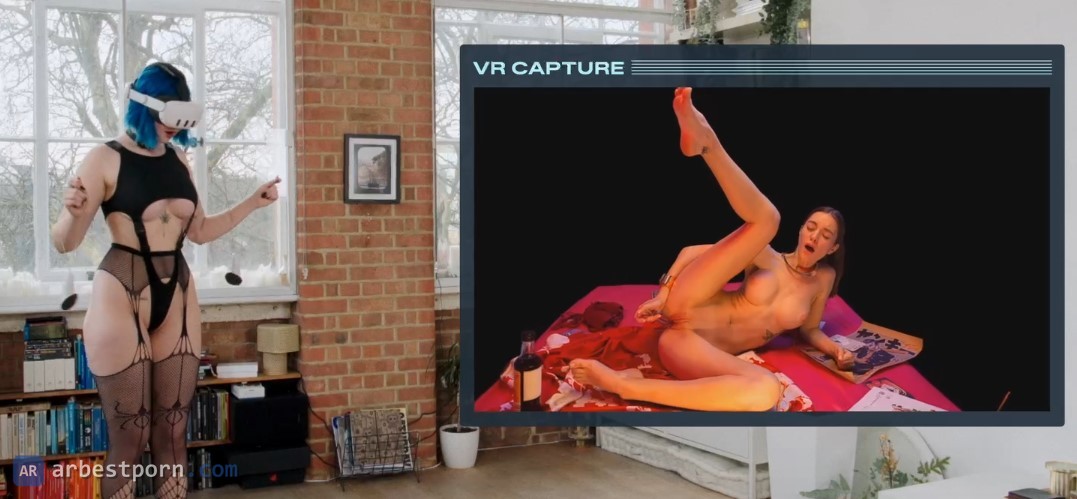
The player has to know which pixels are background. It learns that from a color, from a mask packed into the file, or from an AI cut.
- Chroma key. The scene is shot against a flat color (DeoVR recommends green or blue), and the player turns that color transparent. You tune hue, range and softness by hand.
- Alpha packed. The file carries its own transparency mask next to the picture, and the player reads it instead of keying a color. The player has to support the format.
- AI passthrough. Software removes the background from an ordinary VR scene. Of the nine here, only DeoVR documents it, and only on scenes its team has processed.
This page goes player first. If you'd rather start from the site and see what it makes you install, that's covered in our guide to AR porn apps. Nothing here was installed or tested in a headset. The facts come from each player's documentation, store page or developer post, and for Prism from RealVR's help page.
Nine Players Side by Side
DeoVR, HereSphere, 4XVR and SKYBOX handle both chroma key and alpha masks. PLAY'A, Prism and Moon say less about the method.
| Player | Passthrough method | Headsets (where passthrough is confirmed) | Meta Store price, November 2026 | Where your files come from |
|---|---|---|---|---|
| DeoVR | Chroma key, alpha packed, AI passthrough | Quest 3 and 3S best; Quest Pro, Pico 4 in color; Quest 2, Pico Neo 3 Pro, Valve Index in black and white | Free, optional subscription for premium content | DeoVR library, sites that publish a DeoVR feed, local files, DeoVR Drive |
| HereSphere | Chroma key (up to three colors), alpha packed, per the developer's post for the PC version | Not stated for Quest; PC version through Virtual Desktop on Quest or Pico | $29.99, free demo with reminders | Local files, SMB, DLNA, built-in web browser |
| SKYBOX | Chroma key, alpha channel | Quest 2 and Quest 3, via the preview release channel | $9.99, plus in-app purchases | Local files, DLNA, SMB, USB, free PC client |
| PLAY'A | "From Video" mode or manual chroma key | Quest 2, Quest 3, Quest Pro | Free | Built-in browser with site logins, downloads, local files |
| Prism | Detects passthrough scenes itself; method not stated | Not stated; the app runs on Quest 2, 3, 3S, Pro | Free | In-player browser, files saved on the headset |
| 4XVR | Alpha channel, solid-color background | Not stated; the app runs on Quest 2, 3, 3S, Pro | Free to get, Premium $29.99 | DLNA, SMB, FTP, WebDAV, Plex, Jellyfin, USB, PC or NAS via 4X Link |
| Moon VR Player | Chroma key for green-screen video | Not stated; the app runs on Quest 2, 3, 3S, Pro | $9.99 one-time | SMB, DLNA, USB, cloud drive, PC or Mac via Moon Link; online content through the optional premium Web Theater |
| Virtual Desktop | Color key on the stream from your PC | Quest and Pico | $24.99 | Your PC |
| Pigasus | Passthrough not mentioned in its store listing or FAQ | None listed | $6.99 | Local storage, DLNA, Samba |
Virtual Desktop isn't really a video player for this job. It streams your PC to the headset, and its passthrough setting swaps a solid color for the camera feed, which is how HereSphere's PC version gets passthrough at all.
Where the Passthrough Switch Lives
Usually in the video settings panel while a scene plays. Menu names come from the developer, or from a site's help page where the developer publishes none.
DeoVR
Per DeoVR's own guides, written before its new Quest app came out: for a chroma key scene, open the video, go to Player Settings on the right-hand panel, scroll to the Passthrough section and toggle Enable passthrough. Hue, Saturation and Brightness pick the color, color range removes it, and Falloff softens the edge. DeoVR remembers the settings per video, and creators can attach presets when they upload.
Alpha scenes are simpler: if the file name contains "Alpha", a passthrough button appears on the main panel. For AI passthrough, play a scene tagged Passthrough AI and press the AI Passthrough button.
HereSphere
RealVR's help page and the developer's post give the same path. While a scene plays, open Advanced Video Settings and find the Environment group. Set Background to Passthrough and Mask to Alpha Packed or Chroma Key. To make passthrough the default for every video, set the same Background option in user settings.
Chroma key takes up to three key colors, and with alpha packed you can shift the mask's position by hand if it doesn't line up.
SKYBOX
Passthrough arrived in SKYBOX's beta. At our check the store's stable version was 1.2.1 and the beta 2.0.2, and we found no note that passthrough had left the beta. The channel switch on the Quest: Settings, Privacy & safety, Installed app, SKYBOX VR Video Player, Release Channels, then pick "2.0.0 Preview" and update. After that, open a passthrough video, go to Advanced Settings and turn on the Passthrough Video toggle.
PLAY'A
Press the eye icon on the main menu, or tap the gear icon while a video plays and open Passthrough Settings. Enable it with the eye icon and choose "From Video". If the scene needs keying by hand, pick Chroma Key, use the Eyedrop tool on the background and adjust range and smoothness.
If adult sites don't show, check that Allow NSFW content is on under Settings, Security. New sites go in through Add New Website on the main page.
Prism
RealVR's help page says Prism detects passthrough scenes when you stream and turns the effect on without setup. The Activate Passthrough and Deactivate Passthrough buttons in the player's navigation bar flip it. For a local file, open Playback Settings and set Mode to Passthrough.
4XVR
Alpha-channel and solid-color scenes are recognized automatically. When that fails, set the format and press the passthrough button. Alpha files need both the passthrough video and alpha passthrough video options on; for colored backgrounds, tune the hue and saturation ranges.
Moon VR Player and Virtual Desktop
Moon says it supports chroma keying but doesn't publish the menu path. For HereSphere on PC, open Virtual Desktop's Streaming settings, enable VR Passthrough, click Configure and enter the values from HereSphere's developer post for the PC version (February 2024):
- Red: 0
- Green: 255
- Blue: 0
- Similarity: 45
- Smoothness: 0
- VR frame rate: 90 fps or lower
Which Player Each AR Site Uses
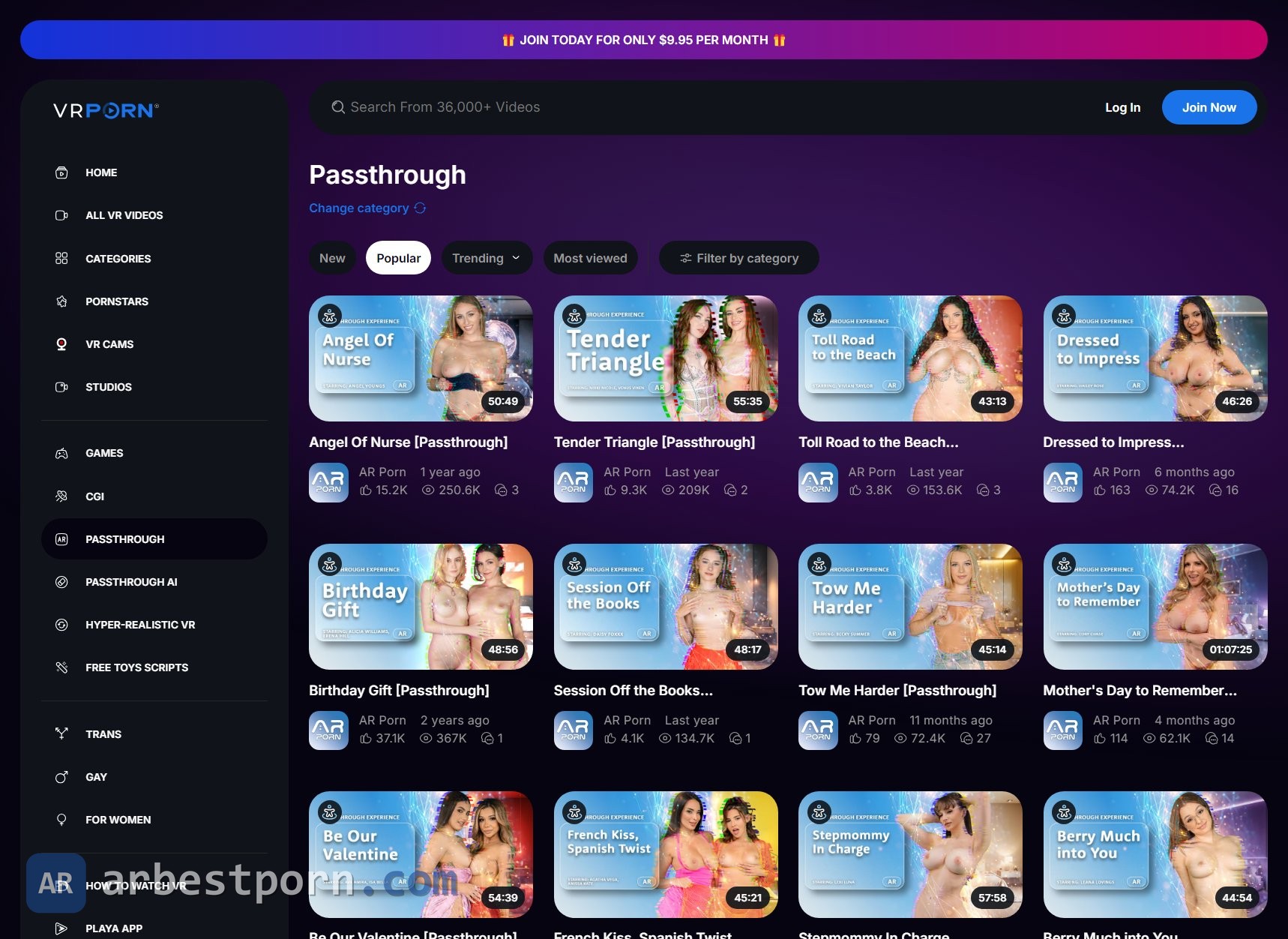
Four of our seven AR sites point you to a third-party player, two ship their own app, and one plays in the browser.
| Site | Player the site names | Note |
|---|---|---|
| AR Porn | PLAY'A | Passthrough runs only in PLAY'A; the Quest browser plays the scene as ordinary VR |
| VR Porn | PLAY'A | No app of its own; PLAY'A is the route it documents |
| RealVR | Prism | Its passthrough help page also gives HereSphere settings |
| Czech AR | DeoVR or HereSphere | No software of its own |
| POVR | POVR's own app | Downloaded from POVR's site, passthrough options in its menu |
| Braindance | Braindance's own app | App for Quest 3, Quest 3S, Pico 4 Ultra and PC; the free demo card runs in the headset browser |
| Real Girls Now | None | Plays in the Quest browser over WebXR |
Prices, AR libraries and how each site ranks are on our list of the best AR porn sites.
Which Player to Pick
Let the site decide first. A player only matters when the site leaves you a choice, or when your files live on your own drive.
- You subscribe to AR Porn or VR Porn: install PLAY'A. It's free, and on AR Porn there's no passthrough without it.
- You subscribe to RealVR: Prism is the route RealVR writes around. If you already own HereSphere, RealVR's help page covers that too.
- You subscribe to Czech AR: DeoVR costs nothing, HereSphere costs $29.99 and takes up to three key colors.
- You pay for AR Porn and Czech AR together: by the sites' own instructions you'll run two players, PLAY'A for one and DeoVR or HereSphere for the other.
- Your scenes are downloaded files on a PC or NAS: HereSphere, 4XVR or SKYBOX, all three read SMB or DLNA shares.
- You want to watch ordinary VR scenes in passthrough: DeoVR's AI passthrough is the only option here, limited to scenes DeoVR has processed.
- Your videos play from a PC: DeoVR's passthrough doesn't work over Oculus Link, while HereSphere's PC version gets it through Virtual Desktop on a Quest or Pico.
Not sure your headset does color passthrough at all? Start with our Quest 3 passthrough guide, and if AR versus VR is still a fuzzy line, this explainer settles it.
Where Each Player Falls Short
Six of the nine have a limit worth knowing before you pay for a site that depends on one of them.
- DeoVR's AI passthrough is still a beta. It runs only on scenes the DeoVR team picks, and only in the app.
- DeoVR's alpha mode works only with fisheye video, and a downloaded alpha file needs "_ALPHA" in its name.
- DeoVR has no passthrough over Oculus Link, and its new Quest app doesn't do DLNA yet.
- As of the developer's February 2024 post, HereSphere's PC version has no native passthrough. You need Virtual Desktop and a Quest or Pico.
- SKYBOX passthrough came out in the beta channel, and at our check the stable build showed no sign of it.
- PLAY'A says not every video supports passthrough and sends you to the site's support when one doesn't.
- PLAY'A's passthrough list in its FAQ stops at Quest 2, Quest 3 and Quest Pro.
- Prism's own store page doesn't mention passthrough. The instructions come from RealVR.
- Moon gives no menu path for chroma key, and online content sits behind a paid add-on.
Still stuck after setup? Our step-by-step guide to watching AR porn covers the headset side, down to tracking fixes.
Frequently Asked Questions
The one your site supports. AR Porn and VR Porn name PLAY'A, RealVR names Prism, and Czech AR names DeoVR or HereSphere. For your own files, HereSphere and 4XVR both handle chroma key and alpha masks.
Yes. DeoVR, PLAY'A and Prism are free on the Meta Store. 4XVR is free to get, with a $29.99 Premium version and a 30-day trial that limits 3D playback to five minutes a day.
Either passthrough is off in the player, or the key color doesn't match the background. In DeoVR, raise the color range in the Passthrough section; in PLAY'A, pick the background with the Eyedrop tool in Chroma Key mode.
Partly. DeoVR lists Valve Index for black and white passthrough with Room View on in SteamVR, but not over Oculus Link. As of its developer's February 2024 post, HereSphere's PC version gets passthrough only through Virtual Desktop on a Quest or Pico.
No. AI passthrough works only on scenes tagged Passthrough AI, which the DeoVR team selects. It's still in beta and works in the DeoVR app only. DeoVR also says it won't work on nature or travel content.